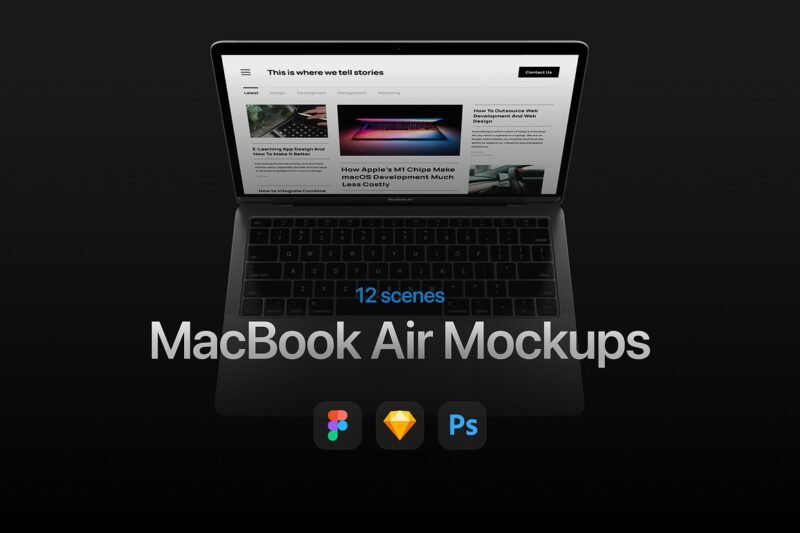
MacBook Air mockups are great for designers. They let us show our designs on a device many people use. This makes our design presentations look better and leaves a strong impression on clients. In this article, we’ll talk about why MacBook Air mockups are good for designers. We’ll also show 12 essential mockups that can make our design work better and our presentations stronger. Why MacBook Air Mockups Elevate Your Design Presentations MacBook Air mockups are key for designers wanting to improve their presentations. They let professional designers show their work in a real and interesting way. This grabs the audience’s attention and clearly shares the design’s purpose and how it works. Adding MacBook Air mockups to design presentations shows how designs will look in real life. This makes the presentation more impactful and memorable for clients or stakeholders. Designers can then share their vision more clearly and leave a stronger impression. 12 Most Popular MacBook Air Mockups for Professional Designers The right MacBook Air mockup can make a designer’s work stand out. Designers seek high-quality mockups to show off their designs. Here, we’ll look at 12 top MacBook Air mockups loved by designers. Mockup 1: Perspective MacBook Air Mockup This mockup shows the MacBook Air from a sleek perspective. It’s great for designs that need depth. Key features include: adjustable perspective, high-resolution image, and easy customization. Mockup 2: Flat MacBook Air Mockup This mockup is simple yet effective. It focuses on the design without distractions. Key features: clean layout, customizable background, and straightforward editing. Mockup 3: MacBook Air Mockup with Shadows This mockup adds realistic shadows to designs. It makes presentations more realistic. Key features: adjustable shadow effects, high-quality visuals, and versatile application. Mockup 4: Isometric MacBook Air Mockup This isometric mockup presents designs from a unique angle. It stands out. Key features: 3D isometric view, detailed visuals, and customization options. Mockup 5: Minimalist MacBook Air Mockup This mockup takes a minimalist approach. It focuses on simplicity. Key features: clean design, easy to customize, and distraction-free presentation. Mockup 6: MacBook Air Mockup with Accessories This mockup includes accessories like headphones or notebooks. It adds context to designs. Key features: realistic accessories, customizable scene, and detailed visuals. Mockup 7: Dark Mode MacBook Air Mockup … Must Have MacBook Air Mockups for DesignersRead more